









Enroll Now
Python Django
Python Django helps you build powerful and secure web applications using one of the most popular Python web frameworks. Django is widely used by developers to create fast, scalable, and robust web platforms for businesses and modern applications.
This course focuses on backend development, database integration, and real-world web application development so you can design dynamic websites, manage data efficiently, and build professional web solutions used in modern industries.
- Certificate in Python Django with GenAI-integrated curriculum
- Learn Django Framework, Web Development, Database Integration, REST APIs, Authentication, Deployment
Python Django Course
Advance Python
Learn advanced Python concepts to build efficient and scalable applications. Understand object-oriented programming, file handling, APIs, automation.
16 Weeks
Python Django
Learn how to build powerful web applications using the Django framework. Understand backend development, database integration, REST APIs.
16 Weeks
Core Python
Build a strong foundation in Python programming by learning basic syntax, data structures, loops, functions, and problem-solving techniques.
16 Weeks

Our Courses are Accredited
Best-in-class content by leading faculty and industry leaders in the form of cases and projects, assignments and live sessions
Start Learning For Free
Begin your journey with our free courses, a perfect starting point before the full data science programs.
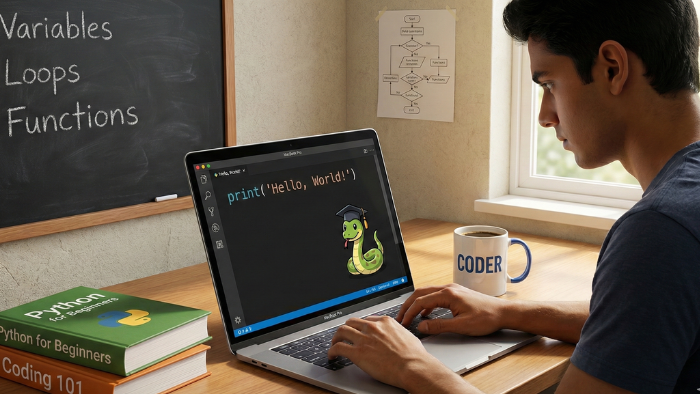
Learn Basic Python Programming
Solve coding questions based on Lists, Strings and other data structures like tuples, sets and dictionary to improve your problem solving abilities with Python
5 Hours
Start Your IT Career with Zappcode Academy

Introduction to Tableau
Learn how you can transform data into actionable insights by conducting data analysis and visualise it using various chart types in Tableau
8 Hours
Start Your IT Career with Zappcode Academy
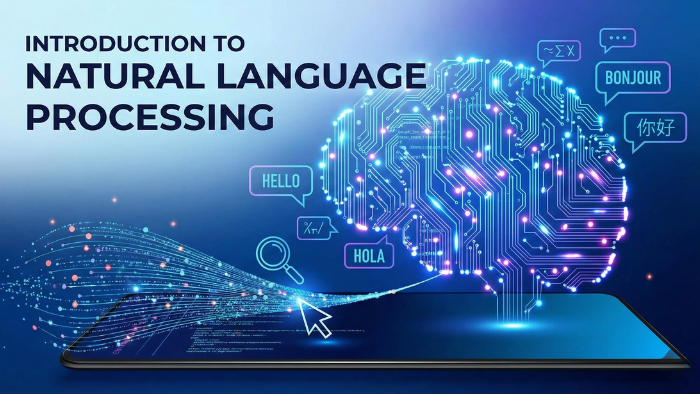
Introduction to Natural Language Processing
Uncover the basics of NLP and other topics like RegEx for building tools for Spam Detection, Phonetic Hashing and Spell Correction in this introductory course
11 Hours
Start Your IT Career with Zappcode Academy
Overview
The Python Django course is designed for learners who want to build modern, secure, and scalable web applications using Python. Django is a powerful and widely used Python web framework that allows developers to create professional websites and web applications quickly with clean and structured code.
In this program, you will learn how to develop dynamic web applications using the Django framework, manage databases, create user authentication systems, and build fully functional backend services. The course introduces you to the MVT (Model–View–Template) architecture, which helps organize application logic and makes web development faster and more efficient.
You will also gain hands-on experience working with database integration, REST APIs, form handling, and web deployment, which are essential skills for modern web developers. Through real-world projects and practical examples, you will learn how to design, develop, and deploy web applications used by businesses and startups.
By completing this Python Django course, you will gain the knowledge and confidence to build powerful web platforms, manage backend systems, and pursue exciting career opportunities in web development and software engineering.
Attend Free Demo
Fill the details and we will call you for further guidance
Highlights of Zappcode Academy
Limited Students Batch
Personalised Attention
Highly Qualified Teachers
Flexible Batch Timings
Interactive Learning
Live Projects
Career Support
Job Oriented Training
Why Django in Zappcode?
Expert Instructors & Industry Insights
Ride information about our Course from experienced developers capable of helping you understand the complexities of web development. They’ll do it by passing their knowledge and nose on the industry, ensuring that you are job market-ready.
Master In-Demand Skills
Zappcode Academy’s curriculum designs are constantly evaluated to align with the industry trends, guaranteeing that you will be armed with our Python Django Course.
Structured Learning & Flexibility
The Python Django Course aims to provide a structured learning adoption from the introduction of Python to the final mastery of Django. Whether the online learning or [personal] classrooms are suitable for you, ZappCode Academy makes flexible choices to the time and learning style you have.
Build Your Django Portfolio
Through the duration of the Python Django Course, whether it is a difficulty level 2 or a level 1, you will have to work on projects that demonstrate your Django skills. These projects will be your bridge to a brighter future.
Get 100% Job Assistance by enrolling in Certified Django Course
Job Assistance
30+ Companies Tie-ups
Enroll Now
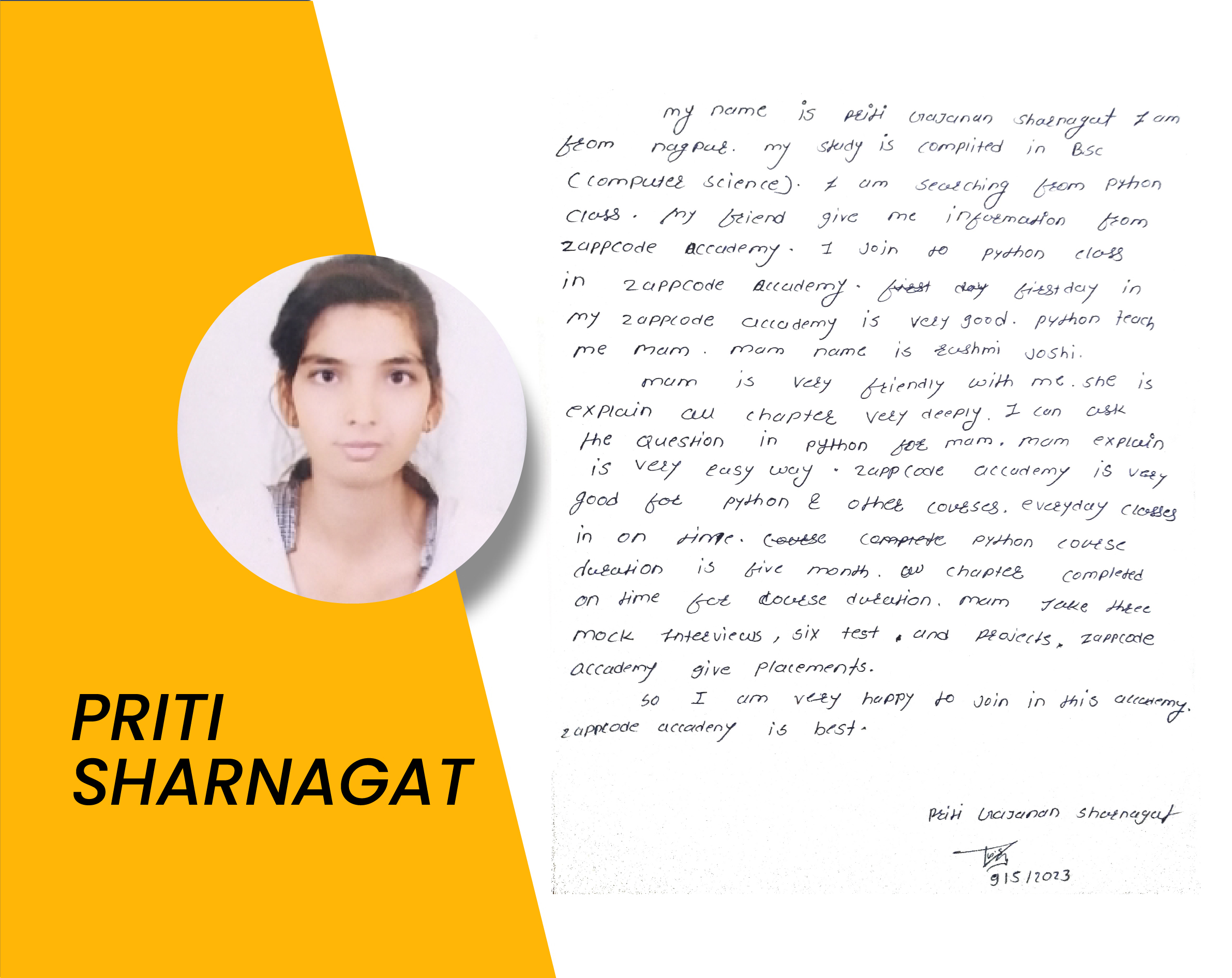
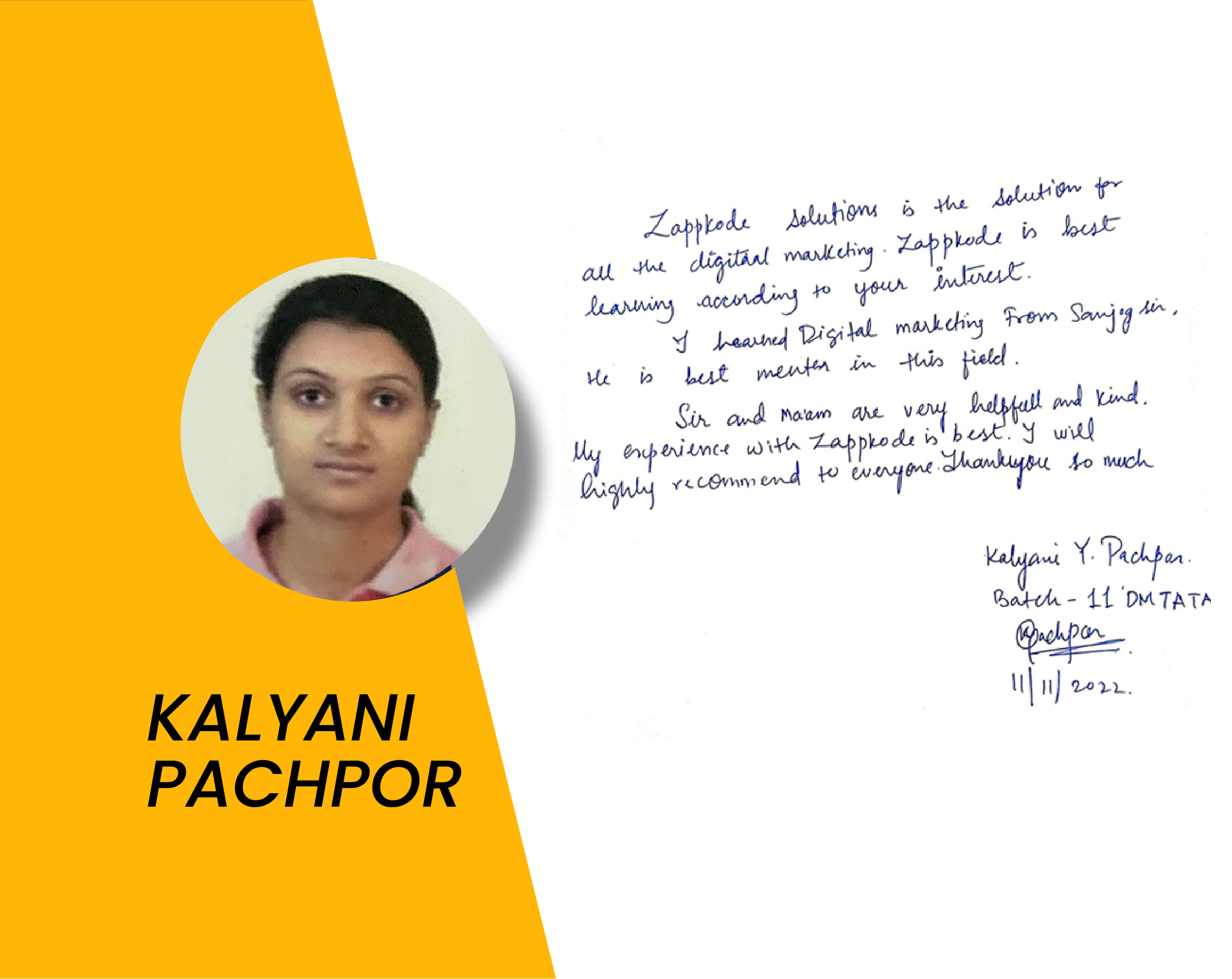
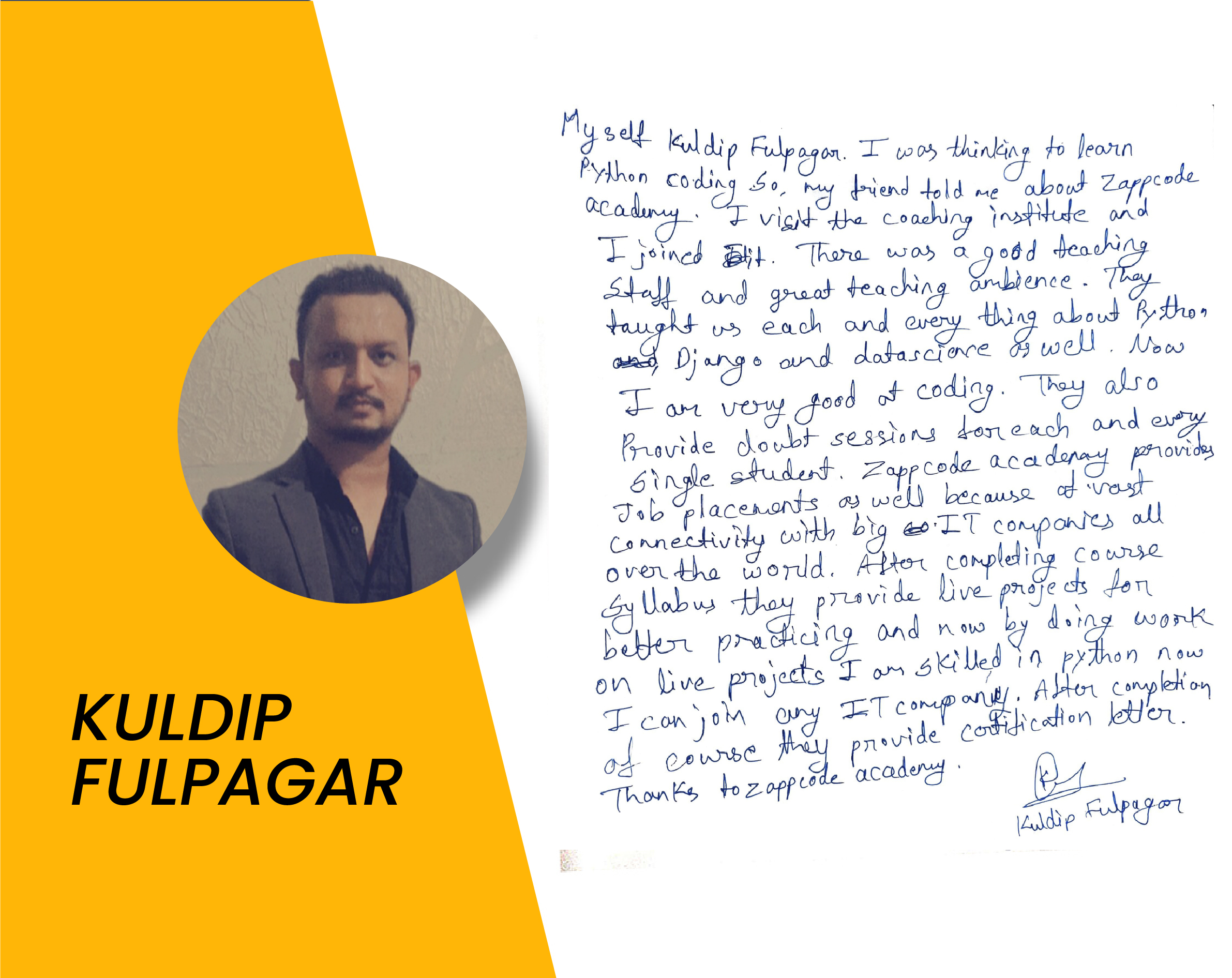
Our Students Placed and Working with Companies








Django Course Curriculam
Our Curriculum Program Covers Basic To Advance Level Content on Django
- Install Python and set up the environment
- Python syntax, keywords, and basic data types (Numbers & Strings)
- Variables & Identifiers
- Operators & input() and print() functions
- Formatting strings
- Conditional Statements
- Loops
- Loop control statements (break, continue, pass)
- Basic and nested list comprehensions
- Lists
- Tuples
- Dictionaries
- Sets
- Nested List & Dictionaries
- Defining and calling functions
- Parameters, arguments, and return values
- Lambda functions
- *args and **kwargs
- Importing and using modules
- Creating and using packages
- Reading from and writing to files
- Working with file objects
- Handling exceptions with try, except, finally
- Custom exceptions
- Defining classes and creating objects
- Instance/Class variables and methods
- Inheritance and polymorphism
- Encapsulation & Abstraction
- Special Methods – __init__, __str__, __repr__, and other magic methods
- Function decorators and class decorators
- Creating and using iterators
- Generator functions and expressions
- Using the re module for pattern matching
- Common regex patterns
- Introduction to Databases, Relational Databases
- Basic SQL Commands (SELECT, INSERT, UPDATE, DELETE)
- Filtering Data, Sorting Data
- Manipulating Data
- Joining tables using INNER JOIN, LEFT JOIN, RIGHT JOIN, etc.
- Working with Multiple Tables
- Creating and Modifying Tables
- Advanced Querying Techniques
- Window Function
- Introduction to Django
- Create your first Django project and app.
- Models and Databases
- Explore different field types and their usage.
- Views and Templates
- Learn about URL routing and mapping views to URLs
- Working with Forms
- Explore ModelForms for creating forms directly from models
- User Authentication and Authorization
- Explore customizing the authentication system as per project requirements
- Django Admin and Static Files
- Mini Project I
- Class-Based Views
- Middleware and Signals
- Middleware role in request/response processing
- Testing methodologies in Django
- Write unit tests and functional tests
- Mini Project II
- Introduction to Git, Basic Git Workflow
- Branching and Merging, Remote Repositories with GitHub
- Collaboration on GitHub & Forking and Pull Requests
- Building RESTful APIs
- Understand the concept of RESTful APIs
- Implement REST APIs using Django REST Framework
- Mini Project III
- Explore deployment options for Django projects (AWS/DigitalOcean)
- Learn to configure production settings and handle static files and media
- Deploy your Django project
- Capstone Project I & II
- Deploying in Github
- Deploying on Digital Ocean
- Resume Building: Crafting an effective resume highlighting technical skills
- Mock Interview Practice: Behavioral and Technical questions
- Creating a LinkedIn Profile: Optimizing for job search
- Networking Strategies: Connecting with professionals in the industry
- Job Search Strategies: Applying for positions, leveraging LinkedIn
- Portfolio Development: Showcasing projects on GitHub, LinkedIn
- Job Ready Preparation: Final review, polishing resume and online profiles
Get Training Certificate
- Get Certified Training
- Valid for all Jobs and College Training
- International Recognition
- Validate Your Skills



Frequently Asked Questions
Python Django is a high-level web framework built on top of the Python programming language. It streamlines the web development process by providing a pre-defined structure and functionalities. Django is popular for its clean code organization, rapid development capabilities, and vast community support, making it a great choice for building dynamic websites and complex web applications.
Zappcode Academy’s Python Django course is designed for beginners. The course starts with the basics of Python programming, making it accessible even if you have no prior coding experience. The curriculum gradually progresses towards Django functionalities, ensuring you build a strong foundation before diving into web development with Django.
You’ll gain a comprehensive understanding of Python programming fundamentals, including variables, data types, control flow, and functions. The course delves into Django’s core concepts like Model-View-Template (MVT) architecture, database integration, user authentication, and template design. Additionally, you’ll learn about essential web development tools and deployment strategies.
Zappcode Academy’s course offers a structured learning path, combining theoretical knowledge with hands-on exercises and projects. This practical approach solidifies your learning and allows you to build a portfolio showcasing your Django skills. Additionally, the course curriculum stays updated with the latest trends, ensuring you learn in-demand skills for the web development job market.
The course incorporates hands-on projects that allow you to apply your learnings to real-world scenarios. You might build a blog application, a social media platform clone, or an e-commerce website, all while developing your problem-solving and web development skills in a practical setting.
Inteview Questions
Migrations is a heart feature of Django that makes models’ data c management possible. They are used to monitor the advancement of your base schema as you fine-tune your model representation. With the help of migrations, the data structure is kept in a safe state, and you are not likely to encounter errors.
The template tags are special elements you can apply to the templates within Django to modify the data, generate HTML code dynamically, or take some other actions. They bring the appearance of the application beyond the markup of basic HTML and make presentation layers of your Django application customized according to the required specific features.
There are several benefits that Django is an attractive offering for web development. One of the key features of this framework is the well-structured programmer’s view of the machine commands that ensure code readability and high maintenance. The Django ecosystem provides an assortment of libraries and packages that help to connect to other frameworks and make development easier. In addition to that, inherent in Django are functionalities like user authentication, an admin panel, and security measures making the creation process much more effortless.
MVT is the main building block of Django. Models serve as a data structure of your app, defining in what way data is stored and modified. Views take care of user interaction and the beats of processing requests and responses. Templates are in charge of the presentation layer and they specify how the data is displayed to the user. It is through this modularity that we achieve separate concerns and this leads to clean code organization, maintainability, and effective teamwork among the developer’s team.
URL patterns map the incoming URLs to the views in your specific Django application. Similar to that, they define the view function to be executed relative to the requested URL. This navigation system is used to control the mapping of URLs to functions and show content within your application.
Latest Blogs
How Small Businesses Grow Big Using Digital Marketing Strategies
In today’s digital-first world, small businesses no longer need huge...
Read MoreHow Python Teaches You to Think Like a Problem Solver, Not Just a Coder
When most people hear Python, they think of coding, web development,...
Read MoreWhy Data Analytics Is the Fastest Way to Get an IT Job
The IT industry is changing faster than ever. New technologies...
Read MoreWhy Full Stack Development Is the Most In-Demand Career Today
The world is growing more digital with each passing day....
Read More